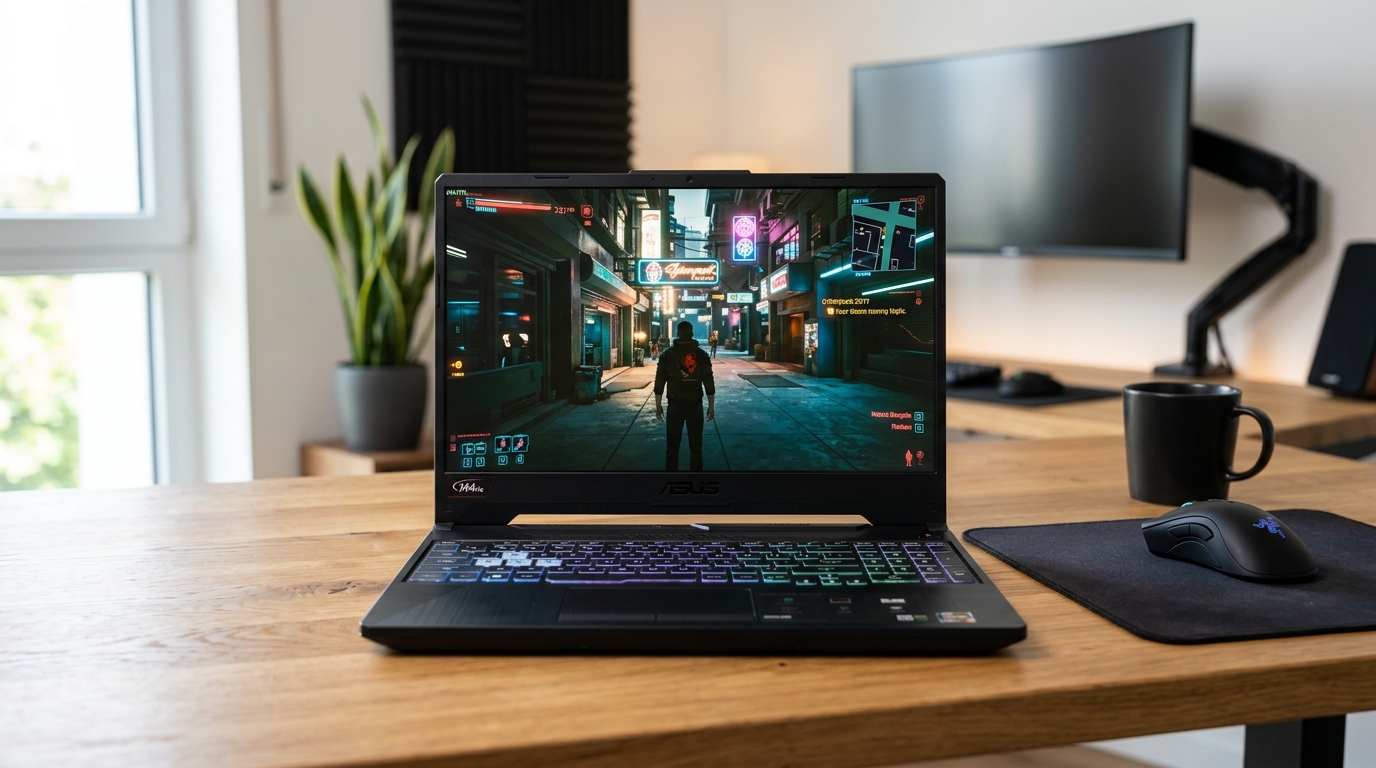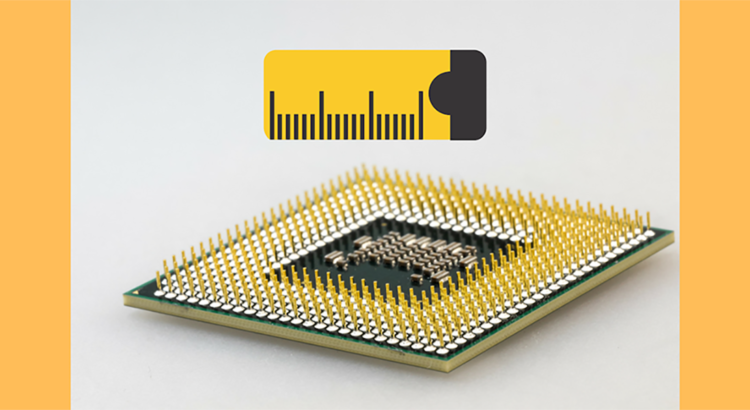
Are you in search of a Laptop with the latest and top of the line processor that can replace your high-end desktop?
Gaming CPU Advice: For entry-tier gaming, pairing an Intel Core i5 or AMD Ryzen 5 processor with an affordable beginner gaming laptop prevents CPU bottlenecks while staying on budget.
You would wish to have the best laptops with the latest processors and enough storage to hold data (movies, games, work files, etc.).
What is the Processor? To see how single-core speeds and thermal envelopes affect gaming frame rates, read our how processor selection impacts high-frame-rate gaming .
Let me explain it with the help of my research:
When you want to respond and process basic instructions through a circuit with steps of fetching, decoding, executing and write back to a system in best possible way termed as Processor.
Let’s move to the block .. What is the best latest laptop processors?

Laptops specifications Explained- [Good Processor For Laptop]
Faster the CPU faster the crunch spreadsheets, surf web pages, play games or edit photos more swiftly, but a higher-wattage processor may also give you worse battery life no doubt. Some touchscreens have good processors specs because touchscreens are responsive and need a quick response. So touchscreen display requires fast processors as compared to non-touch.

When you’re shopping for a laptop, most often we see the name of the processor listed prominently in every product description. Our very first question comes in mind. Is a computer with a Core i7- CPU is faster than one with a Core i5? How much speed do you need?
Nowadays there are several models of processors lineup using in laptops with its latest versions; it puts us in more hard times in selection of notebooks as it is our primary choice in laptops.
Best Processor For gaming, Editing, and streaming.
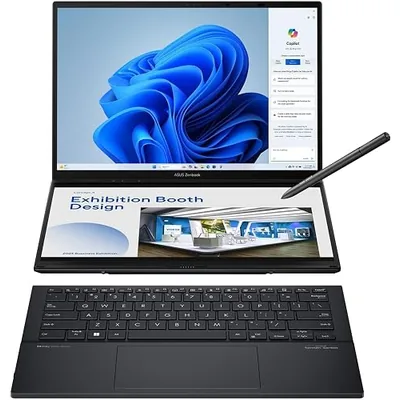
Which Processor Do I need – [Recommended Choices]
Let me explain to you some most recommended Laptop Processors. Presenting a small cheat sheet.
Nowadays most Processors are used by Intel. Here is the best comparison for your choice.

Below table shows the best the most recommended CPUs with excellent battery packages. It shows that for what type of task, which sort of processor with how much battery usage. These are the best laptop computer processor.
How to Read Processor Name [ buyer’s Ease]


Above image describes the processor brand name, which is usually “Intel Core” but may also be labeled as Xeon, Celeron, Pentium or Atom. Following the brand, you see the brand modifier, which is most often i3, i5 or i7 but can also be other letters and numbers such as m5, x5, E or N. Followed by modifier, which shows generation either it is 7th or 8th G. After that, it shows SKU numeric Digit and in last, a product line suffix.
On AMD processors, the numbers and names aren’t quite as straightforward
What are different Brands of Processors
Here I will facilitate you with all the latest brands and some reviews of old brands that make easy in your selection. Brands effects a lot on fastest processors laptops.
The most demanding/Latest choice of Intel processors listed by speed
[ Intel Cores Family]
These are all the new processors for laptops and some old versions. Presenting a comparison of some latest Intel laptops processors.

In our daily life, there are some other fastest processors laptops for everyday use for instance,
- AMD Ryzen 3 2200G: The best budget CPU with a superb performance on a shoestring budget.
- Intel Core i7-9700K: An octa-core desktop powerhouse.
- Intel Core i9-9900K: A fearsome new flagship for Intel’s Core processors.

Variety of good processors are significant for the selection of video editing, Photos editing, gaming laptops, and other multitasking. For example, Cheap gaming machines required different types of processors; running heavy software need faster processors. For videos and photo editing, some different criteria are required. So we can say different tasks need different processors.
In other words, i5 or i7 for video editing?
The very close two line answer, i7 is always better, i5 is generally sufficient for video editing and games but not necessarily better. Definitely, the extra cores in i7 would benefit. In video editing, the thing that matters is “how many cores you have” as video editing requires more usage of CPU as compared to GPU.
AMD Ryzen vs. Intel Core
AMD processors only appeared for in budget systems with mediocre performance and battery life. Later new Ryzen Mobile platform released. Then it was tested and observed that AMD chip’s graphics performance was significantly better and its battery life was about the same.
According to analyses, there are only three Ryzen Mobile-powered laptops on the market (Acer Swift 3, HP Envy x360 and Lenovo IdeaPad 720S). However, if you want the computer available with Ryzen Mobile at the same price or less than the Intel version, you should definitely consider the AMD-powered model. Don’t pay extra to get Ryzen because the performance is so similar to Core i5 or Core i7.
What is a good processor for a laptop [ Core i3 vs Core i5 vs Core i7 ]
In comparison, Core i3 is the slowest, i5 is in the middle and i7 is fastest and most preferable for students to run heavy software. Usually, the i5 model is more than adequate for regular, everyday use if you are not doing intensive graphics work, engineering/science or gaming.
Moreover, Core i5 and Core i7 support turbo boost, which allows the clock speed to go higher based on the task, and Hyper-Threading, which gives you two unique threads for each core. However, Core i3 does not provide either of those features. Also, Intel’s new 8th Gen Core platform is only available in Core i5 and Core i7. So, obviously, go for Core i5 and Core i7.
Top Laptop Processors (7th Gen or 8th Gen)
According to our tests, 8th Gen Core chips are faster than their predecessors on multi-threaded tasks. The performance delta between the latest, 8th Gen “Kaby Lake Refresh” chips and 7th Gen “Kaby Lake” predecessors feels like a two or three-year leap.
Some individual processors are designed for 2 in 1 convertible so that you can easily handle multitasks. These convertibles are used smart Intel processors under a limited budget. However we have a more latest generation in laptops processors, but some Intel’s processor series is still stuck on 7th Generation Core. There’s no 8th Gen Celeron or Pentium processor for low-end systems. The low-power Y series CPUs that appear in a few super-thin, fanless tablets are also stuck in the 7th Gen.
Moreover, one more version of 9th Gen is introduced but still 7th, and 8th are in use. Best processors selection, more business activities will enhance.
 Pairing a high-end multi-core processor with ample memory is explored in our matching high-tier multi-core processors with 32GB RAM .
Features of Good Laptops – Cores, Hyper-Threading, Clock Speed
The best processors for laptops efficiency depends on following sets of specs:
- Cores: Core is capable of working on one discrete task. Most laptop CPUs have two cores, but some of the higher-performance models have four cores. With 8th Gen Core, mainstream Core i5 and Core i7 laptops will now have four cores also. We can say that cores are what processors in processors for faster performance.
- Hyper-Threading: A point where CPU splits each physical Core into virtual Cores called threads. Most of Intel’s dual-core CPUs use hyper-threading to provide four threads while its quad-core CPUs provide eight threads.
- Clock Speed: Measured in gigahertz. This is the number of cycles per second that the CPU can execute. A higher number is better, but this is far from the only factor, in processor speed.
- Turbo Boost: Temporarily raises the clock speed from its base frequency to a higher one in order to complete a task more quickly. Mostly, Core i5 and i7 CPUs have this feature, but Core i3 models do not.
- Cache: A small amount of RAM that lives directly on the CPU. The cache stores frequently used the information to speed up repetitive tasks. Most CPUs have between 1 and 4MB of the cache.
- TDP (Thermal Design Power): The number of watts the CPU uses. More watts means better performance but in turn higher temperatures and greater power consumption.
- vPro: For corporate IT departments there is a built-in remote management feature. It is mostly found in many business laptops, but consumer systems do not have it.
Generations- what is the best processor for my laptop
Starting with the first generation and going with the 8th and 9th generation, RAm and processors go updated. Latest is the 9th generation, but up till now 8th and 7th are mostly using.
Read More: Best laptops under budget for gaming 2026
Processor Lines – Laptops processors list best to worst
These are the best processor for everyday use. You can find here a platter of different processors according to your tasks and requirements.
These are the best processor with everyday use. In other words, you can find here a platter for what is the best processor for my laptop. Touch-Screens and Non-Touch Screens, both have their advantages and disadvantages regarding battery consumption issues. The fastest Processor in the above table is Xenon E, H-Series, G-Series and u-Series.
Processors Effects Battery Life (Processor vs. laptops battery)

It is said that the higher the processor speed it will affect more the consumption of the battery life of the laptops. Most often, higher processor speed drains the battery fast but compared to before years the rate of battery life discharge has reduced. Even the amount of processor being used over the period also considered, so take care while buying a sound processor that does not affect your battery life more.
FAQs
Q. What is the 8th generation?
Ans. Intel officially announced the first of its 8th Generation Intel Core processors on 21 August, revamped with a new quad-core configuration and a range of silicon optimizations. In short, 8th gen is up to 40 percent faster* than existing 7th Generation chips and offers a 2x boost versus a five-year-old PC.
Q. How do I know what generation my processor is?
Ans. The following Control Panel window will open. Under the System section, look for which processor you have. You can tell at a glance that it is a Core i5 and that name is the only common information to you at this point. To find out which generation it is, look at its serial code.
Q. How do I know my processor speed and generation?
Ans. Check how many cores your processor has.
- Press ⊞ Win + R to open the Run dialog box.
- Type dxdiag and press ↵ Enter. Click Yes if prompted to check your drivers.
- Find the “Processor” entry in the System tab. If your computer has multiple cores, you’ll see the number in parentheses after the speed (e.g. 4 CPUs)
Q. What are the best cheap processors for a laptop?
Ans. The list below for Cheap and best processor laptops
- Best Core i3 Budget Laptop: Acer Aspire E15 (Core i3-8130U)
- Best Core i5 Ultrabook Laptop: Dell New XPS 13 9370(Core i5-8250U)
- Best Core i9 CPU Laptop: Alienware 17 R5 (Core i9-8950HK)
Q. What processor do I need for gaming?
Ans. Intel’s Core i5-8400 is one of the most affordable gaming processors it’s released in years. It ups the ante of traditional Core i5 chips with six cores, and though it doesn’t have hyperthreading, six threads are plenty to work with, especially when it can hit 3.8GHz on all cores (4.0GHz with just one core used).
Q. How do I look up my graphics card?
Ans. The easiest way to find your graphics card is to run the DirectX Diagnostic Tool:
- Click Start.
- On the Start menu, click Run.
- In the Open box, type “dxdiag” (without the quotation marks), and then click OK.
- The DirectX Diagnostic Tool opens.
Q. How many types of the processor are there?
Ans. There are two primary manufacturers of computer microprocessors. Intel and Advanced Micro Devices (AMD) lead the market in terms of speed, and quality. Intel’s desktop CPUs include Celeron, Pentium, and Core. AMD’s desktop processors include Sempron, Athlon, and Phenom.
Q. What is a good processor speed for gaming?
Ans. Recommended CPUs: Most games these days use between 1 – 4 cores, so a quad-core processor at a high clock speed is ideal for gaming. Recommended RAM: You need to have enough memory for the OS, game, and any background applications you run.
Q. Is a 2.3 GHz processor good for gaming?
Ans. Gaming will depend on the graphics card but otherwise, the i5 is a perfect CPU and will cope with your requirements. It depends on how many cores it has.
Verdict
In my article, I covered all the details about best core processors brands as well as speed which shows your need accordingly. So we can now make our choice top one in “what is the best processor for my laptop”.
Tables, analysis and all the detailed researches summaries in such a way that processors of Intel with 8th generation are the latest and most demanding processor. Either we are going to perform heavy tasks or gaming or multitasks. Choice of a suitable processor has moregaming capabilities.
Interested Areas: If you need a processor capable of handling intense engineering computations, browse our engineering laptops selected for heavy simulation workloads .
You may also want to give a read to Touch Screen Laptops problems and RAM Minimum Requirements.
Last update on 2026-12-29 / Affiliate links / Images from Amazon Product Advertising API